
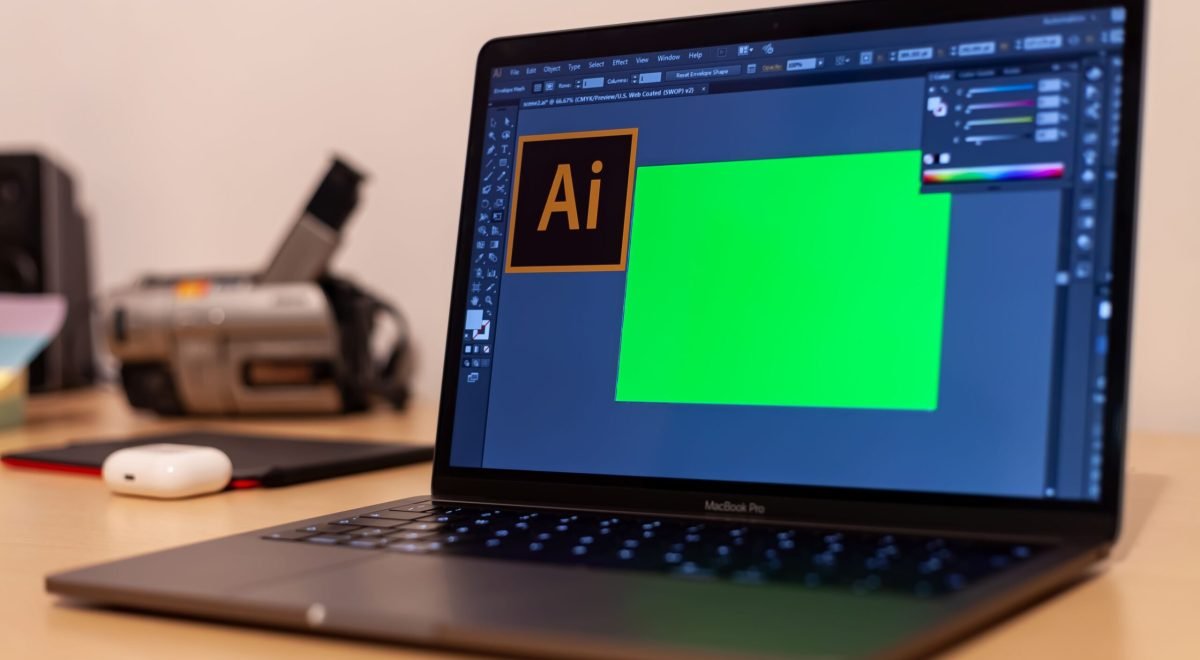
Content creators and freelancers often wear every hat in the business — writer, designer, marketer, editor, and accountant, sometimes all in the same day. AI tools have become genuinely useful allies for exactly this kind of work, handling time-consuming pieces of the process so more energy goes toward the creative and strategic decisions that actually require a human touch. This guide walks through where AI tools help most for creators and freelancers, and how to use them without losing the originality that makes your work valuable in the first place.
Why This Audience Benefits Differently From AI Than Large Companies Do
Large companies often use AI to manage scale — processing thousands of customer messages or analyzing massive datasets. Individual creators and freelancers face a different challenge: limited time and no team to delegate to. For this audience, the real value of AI tools isn’t handling enormous volume — it’s compressing the time spent on necessary but non-creative tasks, freeing up hours for the work that actually requires personal skill, voice, and judgment.
Idea Generation and Research
Staring at a blank page is one of the most common obstacles creators face, and AI tools are particularly effective at breaking through it:
- Brainstorming angles: Describing a broad topic and asking for multiple different angles or headline ideas often produces useful starting points faster than brainstorming alone.
- Research summaries: Long articles, reports, or reference materials can be summarized quickly, helping you absorb background information before writing without reading every source in full.
- Audience question mining: AI tools can help organize and categorize common questions gathered from comments, forums, or customer messages, revealing patterns worth addressing in future content.
The key habit to build here: use AI to generate options and starting points, then apply your own judgment to choose the angle that genuinely fits your voice and audience, rather than accepting the first suggestion automatically.
Drafting and Editing Support
Writing a complete first draft from scratch takes significant time. AI writing tools can meaningfully speed up specific parts of this process:
- First drafts of structural elements — outlines, introductions, or transitions — that you then rewrite in your own voice and add real substance to.
- Editing for clarity — catching awkward phrasing, redundant sentences, or unclear structure that’s difficult to spot in your own writing after staring at it for hours.
- Tone adjustment — reshaping a piece to sound more formal, casual, or persuasive depending on where it will be published.
The important caution: AI-generated text tends toward generic phrasing and safe, average conclusions. The parts of your content that make it genuinely valuable — a specific personal story, an unusual opinion, a firsthand result — still need to come from you, layered into whatever AI-assisted draft you start with.
Visual Content Creation
For creators without a design background, AI image and design tools have significantly lowered the barrier to producing usable visuals:
- Social media graphics created quickly from simple text descriptions, without needing separate design software expertise
- Thumbnail and cover concepts for videos or articles, generated as quick starting options before finalizing a design
- Background removal and photo editing handled automatically in seconds, tasks that previously required more manual editing skill
For anything representing your personal brand long-term — a logo, a consistent visual identity — investing in a human designer’s input still tends to produce more distinctive, recognizable results than relying entirely on AI-generated visuals.
Video and Audio Editing
Video and podcast production involves many repetitive technical steps that AI tools now handle efficiently:
- Automatic transcription of spoken content, useful for creating captions, blog posts from video content, or searchable text versions of audio
- Noise reduction and audio cleanup, improving sound quality without needing advanced audio engineering knowledge
- Rough cut assistance, identifying silences, filler words, or natural break points to speed up the initial editing pass before final creative decisions
These tools shine at the mechanical, repetitive parts of editing, leaving the creative pacing, storytelling choices, and final polish to the editor’s judgment.
Managing the Business Side of Freelancing
Beyond content creation itself, freelancers juggle administrative tasks that AI tools can meaningfully simplify:
- Proposal and contract drafting — generating a solid first draft of a client proposal or contract based on a project description, which you then review and adjust for the specific relationship
- Invoice and expense organization — categorizing expenses or generating recurring invoices automatically instead of manually recreating them each cycle
- Email drafting — quickly producing professional first drafts of routine client communications, follow-ups, or inquiries
Handling these tasks faster leaves more time for the actual creative or client-facing work that generates income.
Building an AI-Assisted Workflow Without Losing Your Voice
The creators who benefit most from AI tools tend to follow a similar pattern: use AI heavily for the mechanical, repetitive, or purely structural parts of a task, and reserve their own time and judgment for anything that requires genuine creativity, personal experience, or a specific point of view.
A simple way to check whether a piece of AI-assisted content still feels authentically yours:
- Does it include something only you could have said — a specific experience, opinion, or detail that a generic AI response couldn’t have generated on its own?
- Would someone familiar with your work recognize your voice in the final piece, or does it read like it could have come from anyone?
- Have you fact-checked anything specific or factual the AI tool contributed, rather than assuming it’s accurate simply because it sounds confident?
If the answer to the first two questions is consistently no, the content likely needs more of your own input layered back in before it’s ready to publish.
Common Mistakes Creators and Freelancers Make With AI Tools
- Publishing AI output with little to no editing, resulting in generic content that blends into an increasingly crowded field of similar AI-assisted work
- Losing personal skill over time by consistently outsourcing tasks (writing, editing, design) that were previously a core part of the creator’s own expertise and value
- Ignoring platform and audience trust concerns around AI-generated content, since some communities and platforms are increasingly sensitive to fully automated content with no visible human input
- Using free AI tools for sensitive client information without understanding how that data might be stored, used, or shared
Final Thought
For content creators and freelancers, AI tools work best as a way to reclaim time from repetitive, mechanical tasks — research summaries, first drafts, basic edits, routine business admin — so more energy goes toward the specific creative and strategic decisions that only a real person with genuine experience and a distinct voice can make. Used this way, AI becomes a genuine productivity multiplier rather than a replacement for the very qualities that make independent creative work valuable in the first place.