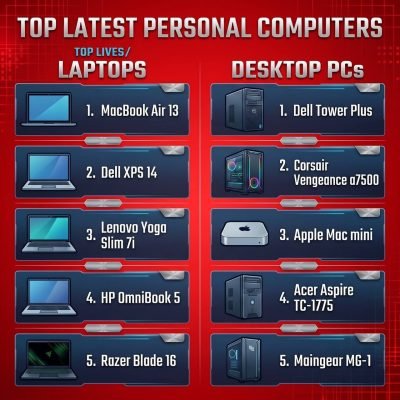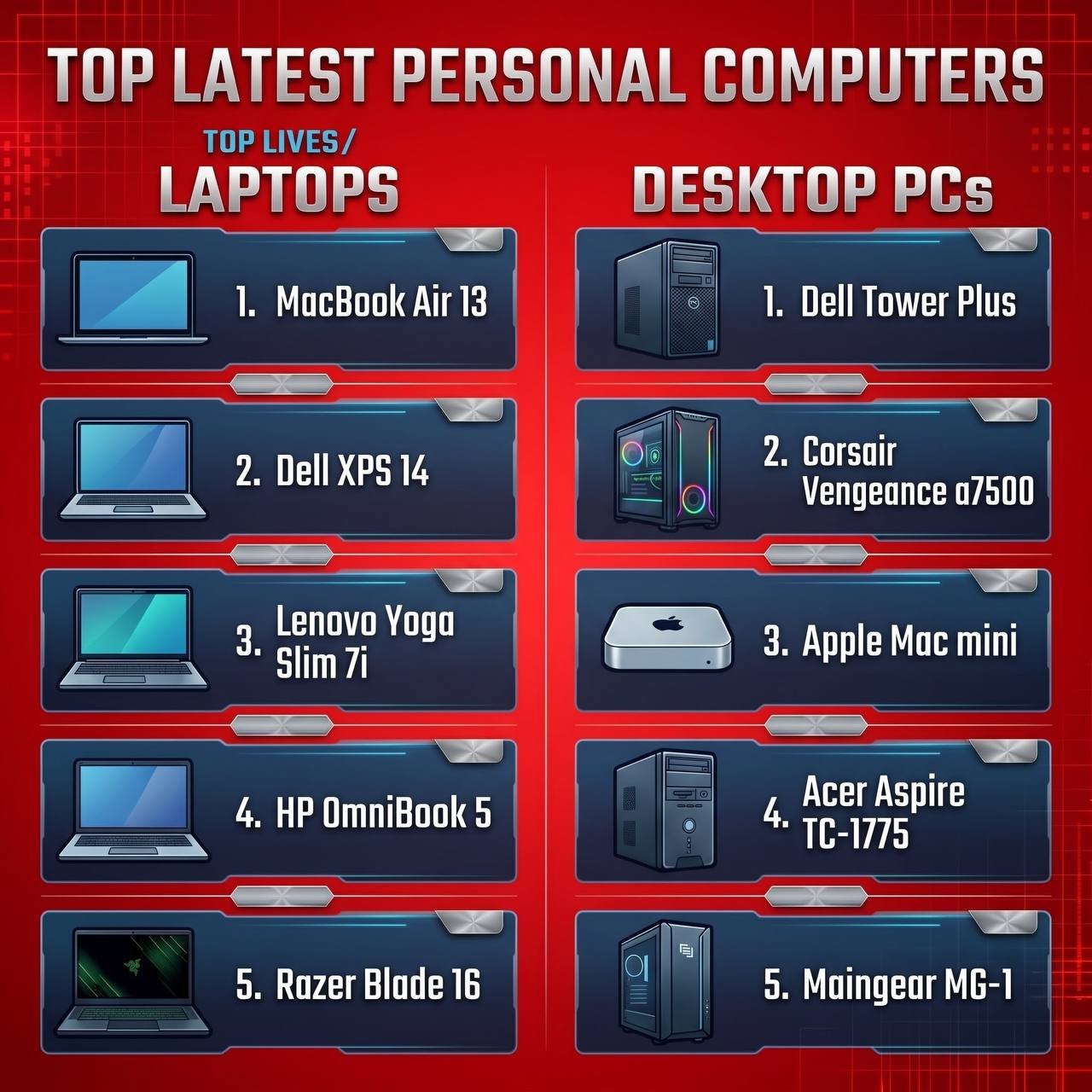
Apple MacBook Air (M4)
Top Picks for Every Need
Choosing the right computer in 2026 is very different from just a few years ago. Today, modern laptops and desktop PCs are built specifically to handle heavy Artificial Intelligence (AI) tasks, 4K video editing, high-speed multitasking, and all-day battery life without slowing dow
Whether you are a student, a digital creator, a remote worker, or a gamer, investing in the right machine can save you time and boost your productivity. Below, we have rounded up the best laptops and desktop PCs available in 2026 across every major category.
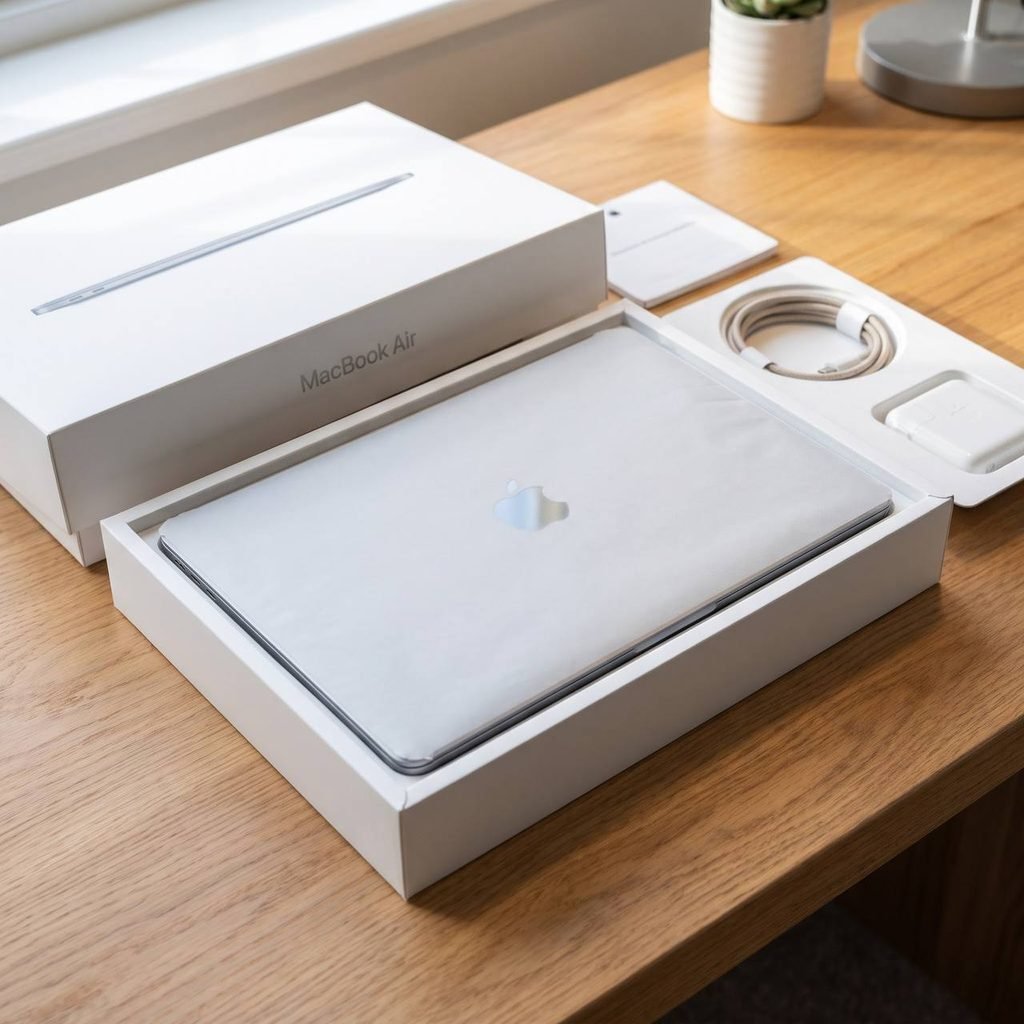
1. Best Overall Laptop: Apple MacBook Air (M4)
If you want a laptop that does almost everything effortlessly, the MacBook Air powered by the Apple M4 chip remains the top choice for most people in 2026. It is ultra-thin, completely silent (fanless design), and delivers incredible speed for everyday work, photo editing, and AI-assisted apps.
• Why it stands out: Up to 18 hours of real-world battery life, a bright Liquid Retina display, and unmatched portability.
• Best for: Students, writers, bloggers, and professionals on the go.
2. Best Windows Laptop for Productivity & AI: Dell XPS 14 (2026 Edition)
For Windows users who want premium build quality and serious performance, the Dell XPS 14 leads the pack. Equipped with the latest next-generation Intel Core Ultra processors and dedicated Neural Processing Units (NPUs), it runs Windows AI features smoothly while maintaining a sleek, modern design.
• Why it stands out: Stunning OLED display, comfortable keyboard, and strong graphics capability in a compact body.
• Best for: Business owners, remote workers, and Windows power users.
3. Best Laptop for Video Editing & Creators: Apple MacBook Pro 16-inch (M4 Pro / M4 Max)
If your daily work involves 4K/8K video editing, 3D rendering, or heavy graphic design, you need a mobile workstation. The 16-inch MacBook Pro handles massive files without overheating or losing performance, even when unplugged.
• Why it stands out: Industry-leading display brightness, studio-quality speakers, and blazing-fast rendering speeds.
• Best for: YouTubers, 3D animators, software developers, and video editors.
4. Best Budget Laptop: Lenovo IdeaPad Slim 5 (2026)
You do not need to spend over $1,000 to get a reliable computer in 2026. The Lenovo IdeaPad Slim 5 offers fast SSD storage, 16GB of RAM, and a sharp screen at a very affordable price point.
• Why it stands out: Great keyboard, solid metal-and-plastic build, and reliable battery life for under $700.
• Best for: Everyday browsing, office tasks, and students on a budget.
5. Best All-Around Desktop PC: Apple Mac Mini (M4)
Desktop computers give you much more power per dollar than laptops, and the redesigned Mac Mini proves it. Despite being small enough to fit in the palm of your hand, it packs enough power to handle professional creative work, coding, and multitasking with ease.
• Why it stands out: Compact size, whisper-quiet operation, and unbeatable value for money.
• Best for: Home offices, content creators, and anyone who already owns a monitor and keyboard.
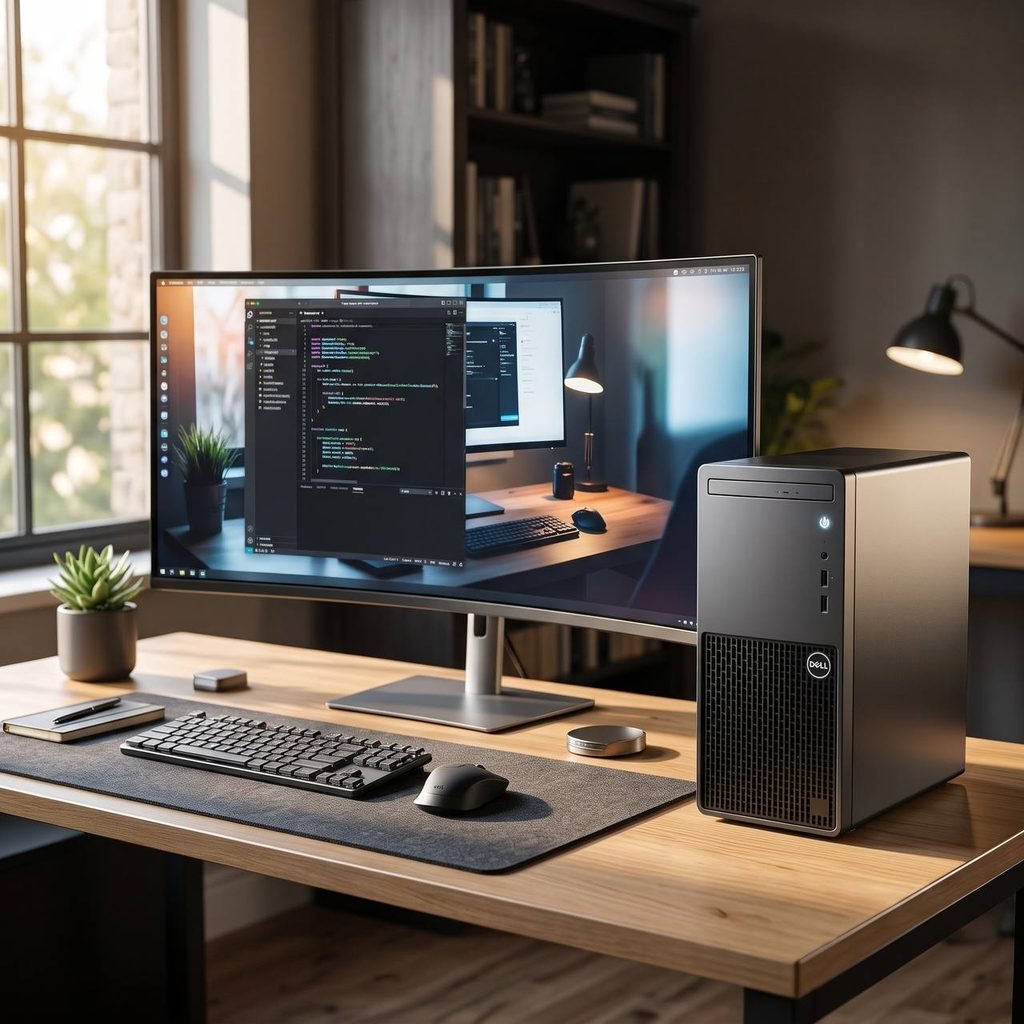
6. Best Windows Desktop PC for Gaming & Heavy Tasks: Corsair Vengeance i7500 Series
If you want maximum power for 4K gaming, live streaming, or running local AI models, a full-sized Windows tower is still king.The Corsair Vengeance pre-built desktop combines top-tier GPUs, high-speed DDR5 RAM, and superior cooling so your system never slows down under pressure.
• Why it stands out: Easy to upgrade in the future, clean cable management, and extreme graphics performance.
• Best for: Hardcore gamers, streamers, and 3D designers.
How to Choose the Right Computer in 2026 (Quick Buying Guide)
Before spending your money, check these four essential specs to make sure your new device lasts for the next 4 to 5 years:
1. RAM (Memory): Make 16GB RAM your absolute minimum in 2026. Modern browsers and AI tools consume more memory than ever. Choose 32GB if you edit videos or run heavy software.
2. Storage: Always go for at least a 512GB NVMe SSD. Avoid anything with 256GB unless you store all your files in the cloud.
3. Processor (CPU + NPU): Look for chips with built-in AI acceleration (such as Apple M-series, Intel Core Ultra, or AMD Ryzen AI) so your computer stays compatible with upcoming software updates.
4. Display: If you stare at your screen all day, prioritize an OLED or IPS panel with at least 1080p (Full HD) or 2K resolution.
Frequently Asked Questions (FAQs)
Should I buy a laptop or a desktop PC in 2026? Choose a laptop if you travel, study, or work from coffee shops and different locations. Choose a desktop PC if you work from one fixed desk and want stronger performance, a larger screen, and better cooling for a lower price.
How much should I spend on a good laptop in 2026? For smooth everyday performance, expect to spend between $650 and $1,100. For professional video editing, 3D work, or high-end gaming, budget between $1,500 and $2,500.