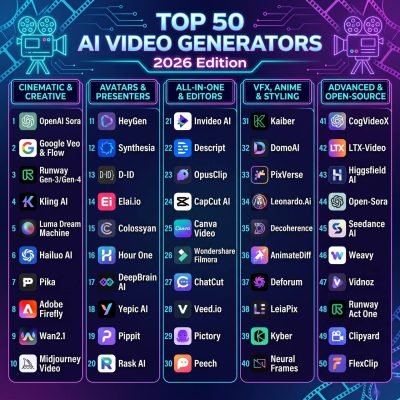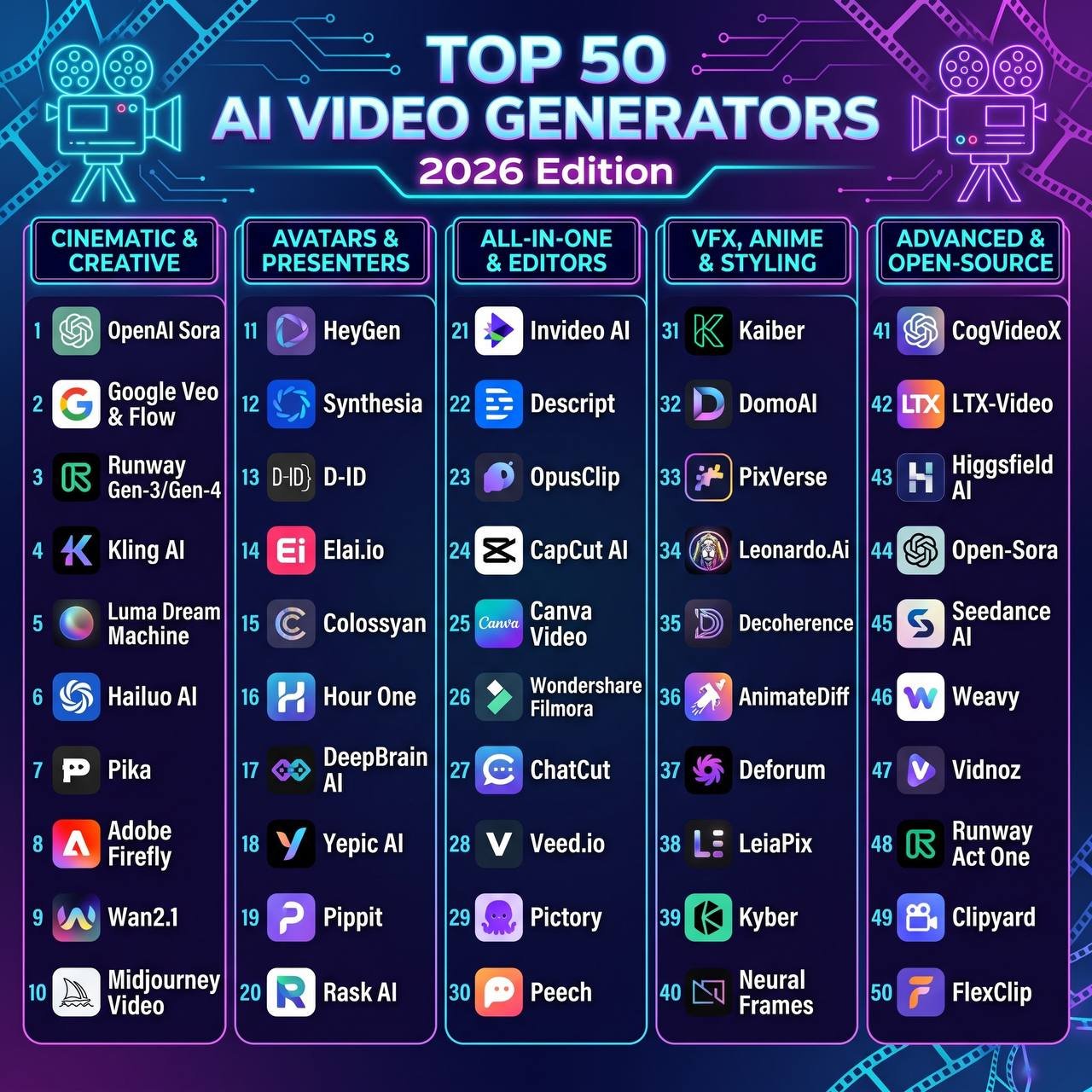
Best AI Video Generators 2026 :50 Tools Tested & Ranked
Hundreds of video generation tools have come onto the market in recent months. Many of these are expensive but very bad at simple things like physics, and often create melting faces and stiff animations.
I have tried over 50 video generation tools to find which ones perform best for these difficult and complex tasks. The tasks were: realistic human movement, camera tracking, lip syncs and product videos.
43 of them didn’t work well. 7 are the only ones worth trying in 2026.
- Kling AI (Kling 3.0)
Best Overall & Most Realistic Human Movement
If you’re looking for realistic humans that can walk, dance, and even manipulate objects without their limbs becoming spaghetti-like shapes, Kling still rules the roost. Kling’s temporal consistency and realistic physics of the human body makes it the most realistic footage in comparison to any other video footage.
Good for: Realistic character movements and action shots.
The catch: Generations at high resolutions get expensive if not planned carefully.
- Google Veo (Veo 3/3.1)
The latest versions offer very good lighting, excellent compliance with prompts and native synced sound. If you are creating high quality B-roll footage, or complicated atmospheric scenes, Veo will produce cinematic quality in a single attempt.
Best used for:
High quality B-roll, advertising and prompts including sound effects.
Worst used for:
Very strict safety measures mean that some harmless creative prompts may be denied. - ByteDance Seedance 2.0
This tool allows for very fast editing. It produces high quality 1080p videos in ~30 seconds, meaning that it is nearly double as fast as other video editors. It performs well in multi scene editing and natural lip syncing.
Best for:
Fast prototyping social media influencers multi scene storytelling.
Disadvantages ; Camera controls are less advanced than Runways - Runway (Gen4/4.5)
This application allows very fine control over camera placement in a scene, as well as frame by frame control. It enables highly precise control over movement within the scene.
Best for: Concept Trailers, Music videos, Camera movement.
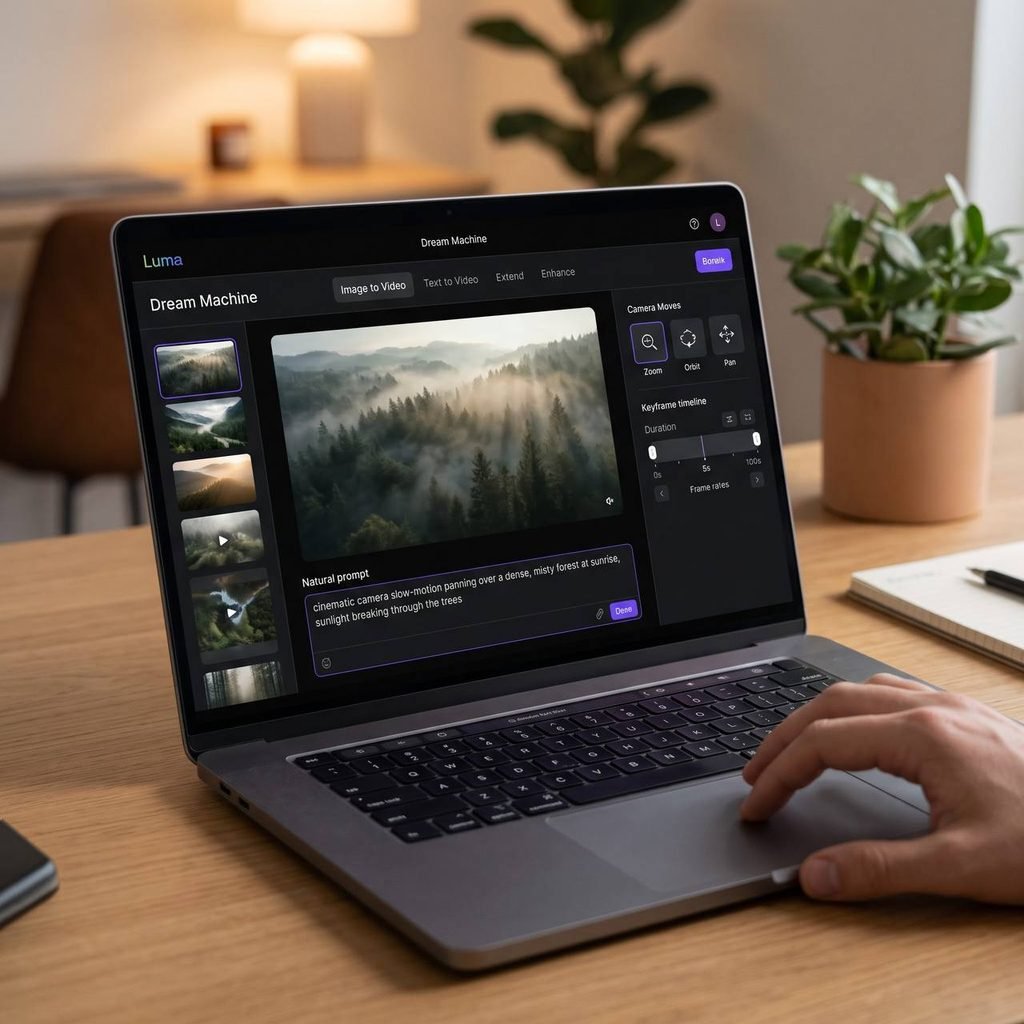
Disadvantages: There is very little free content within Runway, you must pay to use this software. - Luma Dream Machine (Ray 3. 2) This program is very reliable in 2026. It delivers excellent lighting, reflections, and smooth camera motion and creates a very realistic effect.
Applications: Time-lapse sequences similar to those made with a drone, product displays, and inventive transitions.
Disadvantage: in a complex scenes with a lot of people involved it may not work very well.
6. HeyGen — Best for AI Avatars & Multilingual Conten works pretty well when you do not need all that cinematic stuff and just want a person talking on screen. The avatars look real enough and it can translate across a lot of languages with the lips matching up. I think it handles something like 175 languages but maybe I am off on the exact number. It seems suited for youtube explainers or those user generated ads and also corporate training videos that need to reach different places. Some people see it as limited though since it stays focused on presenter style stuff rather than open creative filmmaking.
7. Adobe Firefly Video — Best for Commercial Safety & Pro Editors Adobe Firefly feels safer if you deal with clients and worry about copyright. It trains on licensed material and connects right into Premiere and After Effects so you can extend shots or fill gaps without leaving the timeline. That part is easy to miss at first. Agencies and brand work probably like it more along with editors already in the Adobe world. It comes across as a bit more careful in style compared to some of the newer open models though and I am not totally sure how to frame that difference exactly.
Kling 3.0 works well with human movements and physics. This may make it more suitable for storytelling.
However, Google Veo 3 has good lighting and sounds included. This could make it more suitable for advertisements and high quality background video. However, it is difficult to compare them in every case. A large amount of factors must be considered. Depending on what content you wish to create, you may choose one over the other. Both tools have benefits, but depending on what is the focus of your content, you can decide which tool to use.
Seedance 2.0 Faster generation Multi-Shot Short form creators
TikTok / Reels
Runway Gen-4 Precision camera & motion control Directors & VFX artists
Precision camera and motion control
Directors and VFX artists
Smooth camera movement and physics
Storytellers and product video creators
Realistic avatars, Dubs in 175+ languages
Marketers, Teachers, YouTubers
Safe for commercial use, compatible with Premiere
Agencies, Professional Video Editors